Installation
-
Download the latest version of SimHub from https://www.simhubdash.com/download-2/
(Always update SimHub before plugin updates!)
-
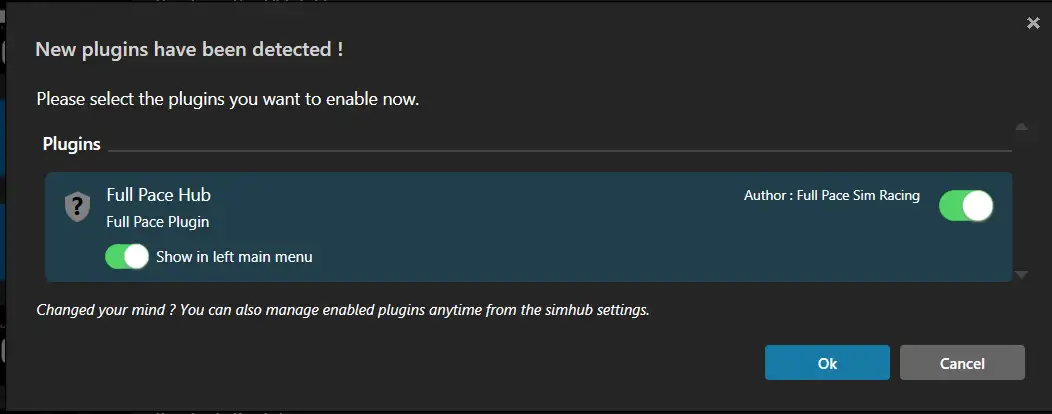
Download from GitHub and run the Full Pace Hub Installer.exe.
Alternatively, you can download the DLL manually from the Latest Release page and place it in your SimHub installation folder (usually C:\Program Files (x86)\SimHub\).
-
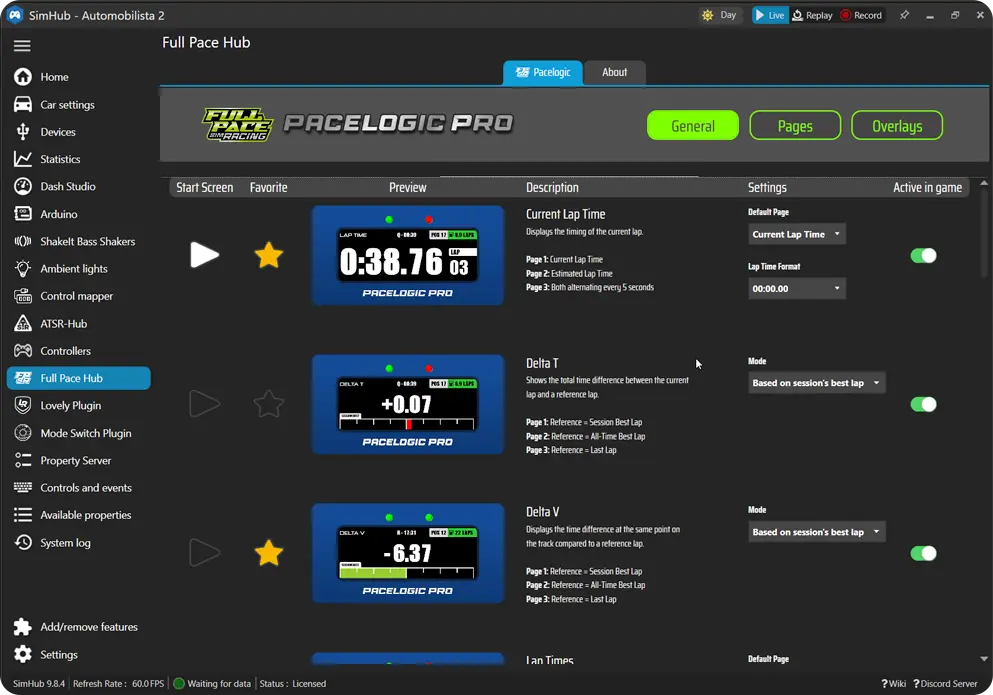
You only need to install the plugin once. After that, SimHub's auto-update function will notify you of new versions and you can update with a single click directly from SimHub.