Logicrank DID Manual
Complete guide to installing, configuring, and using all features of Logicrank DID.
Navigate through each section to learn how to get the most out of your dashboard.
Updating the software
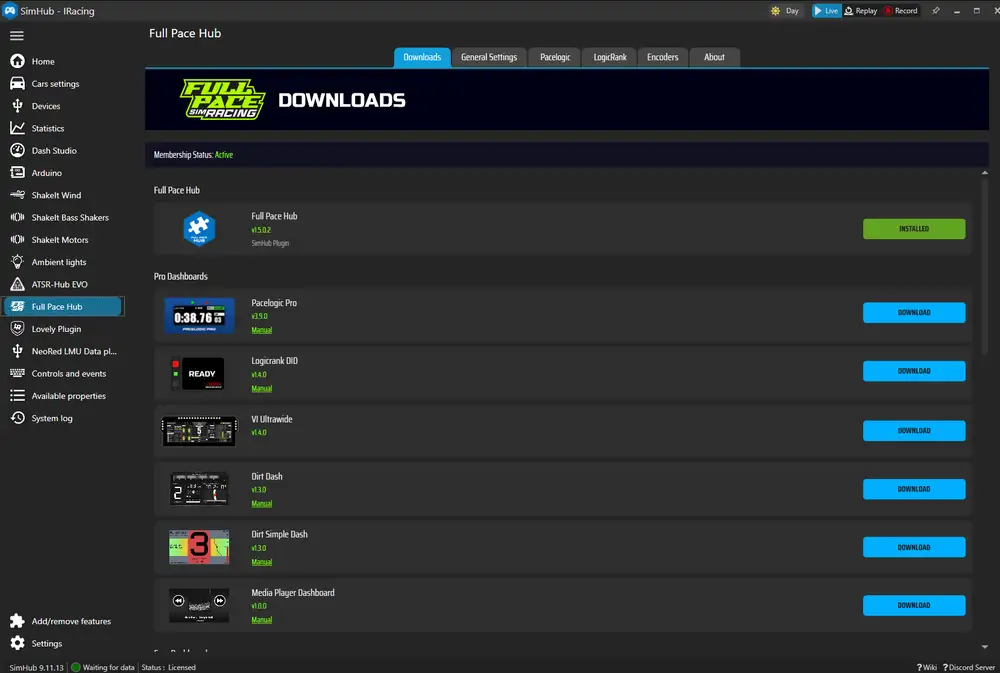
💡 If an update is available you will get a notification on the dashboard and you can download the latest version from the Full Pace Hub plugin's Download tab.
Selecting your device in the Full Pace Hub Plugin
Logicrank DID currently adapts to the Simpush Lumirank and Evil Racing Evilrank devices.
If your device is not officially supported, select "other devices" from the list,
which allows you to position and scale elements of the dashboard to fit as well as possible.

Demo Version
The Demo version is a feature-limited version of Logicrank DID, available for free through the Full Pace Hub plugin. It includes the following functions:
- Ready screen
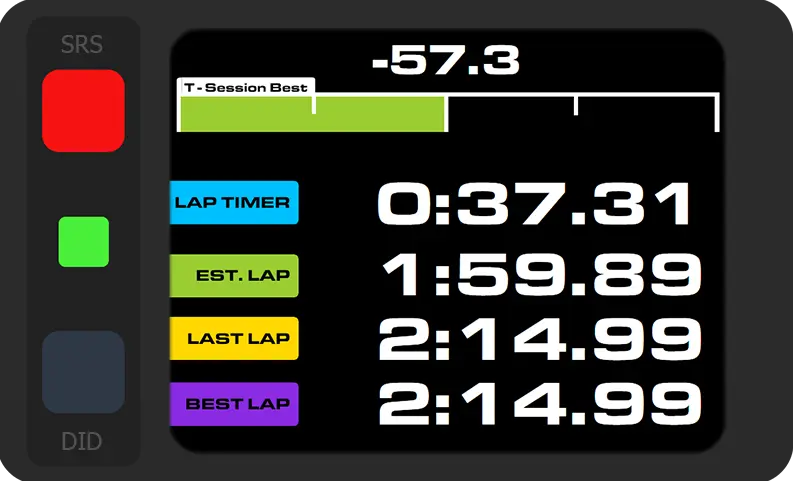
- Lap Times
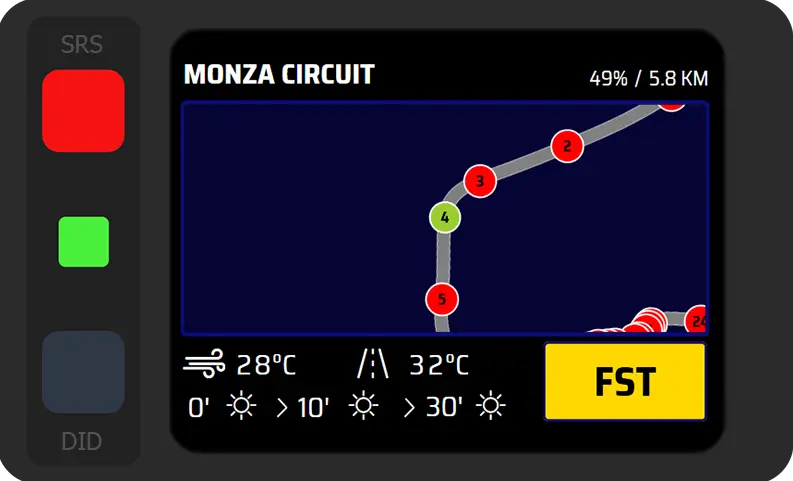
- Track Data
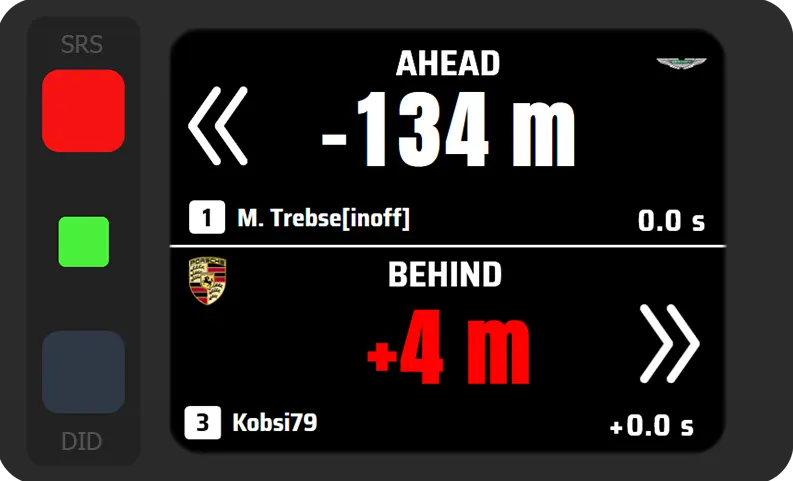
- Spotter
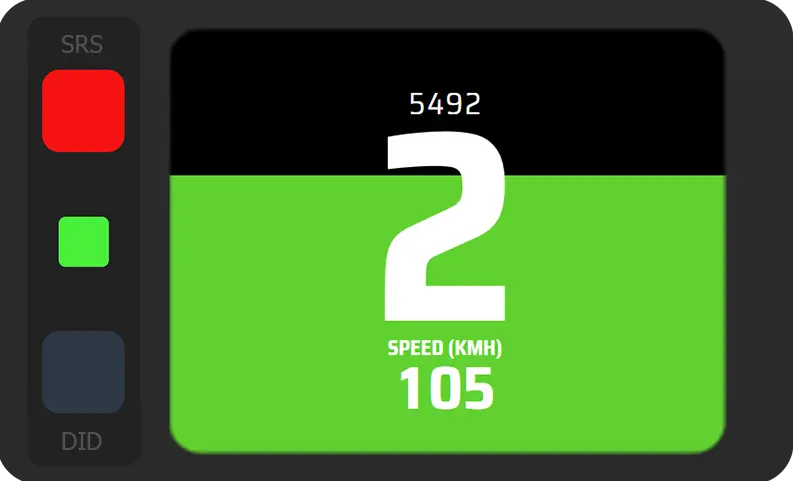
- Gear & Speed
- Session Progress
Customizing the dashboard
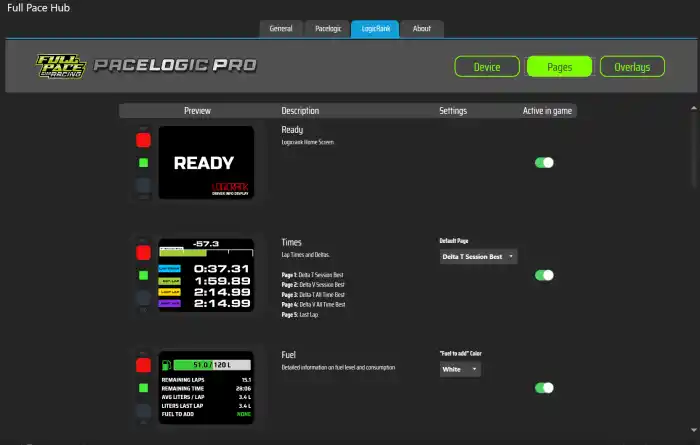
Within the Pages and Overlays tabs in the plugin you can customize the dashboard to your liking. You can disable pages and overlays for quicker navigation and make some adjustments to parameters on the pages.
Touch Controls
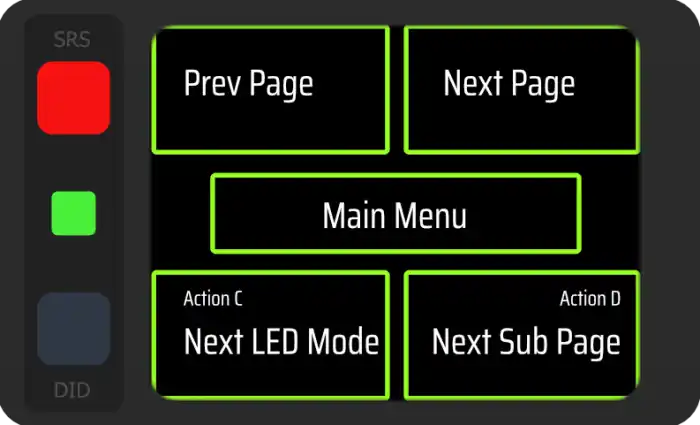
There are 5 zones on the touch screen that trigger the control actions of the dashboard.
Button Controls
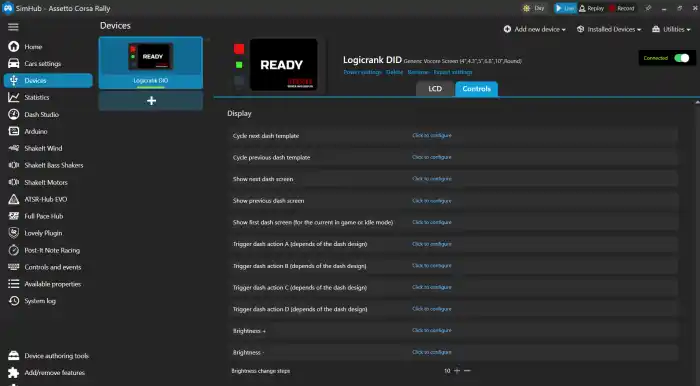
To control the dashboard via buttons go to your Device settings and switch to the Controls tab. Assign buttons to:
- next dash screen
- previous dash screen
- Action C = Next LED mode
- Action D = Next Subpage
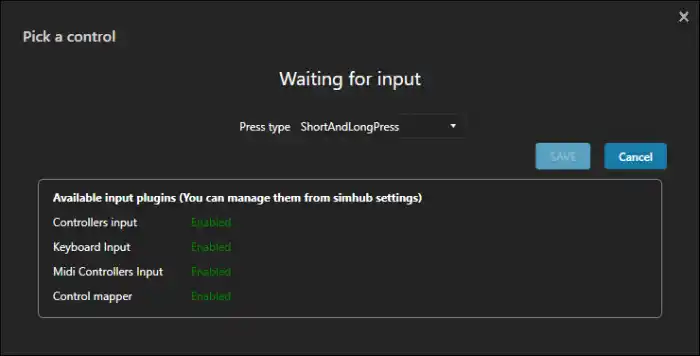
💡 To save buttons you can assign two functions to one button via short and long press. For example you can go to the next screen page with a short press and to previous screen with a long press. Just assign the same button to both functions but change the press type to short / long press (we recommend "long press no auto repeat" over the regular long press)
Dark Modes

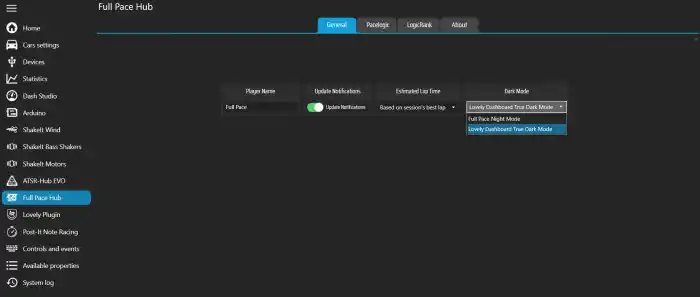
Logicrank DID is fully compatible with Lovely Dashboard's True Dark Mode. If you have the Lovely plugin installed, all your dark mode settings are used with Logicrank as well. Just select Lovely TDM in the plugin Dark Mode. If you don't use the Lovely Plugin you can select Full Pace Night mode as an alternative and assign a button to activate it.