
Wheels Lock & Slip Effect Setup

The Wheels Lock & Slip effect requires an additional bass shaker profile, as this information is computed exclusively for shaker effects.
Setup Instructions
-
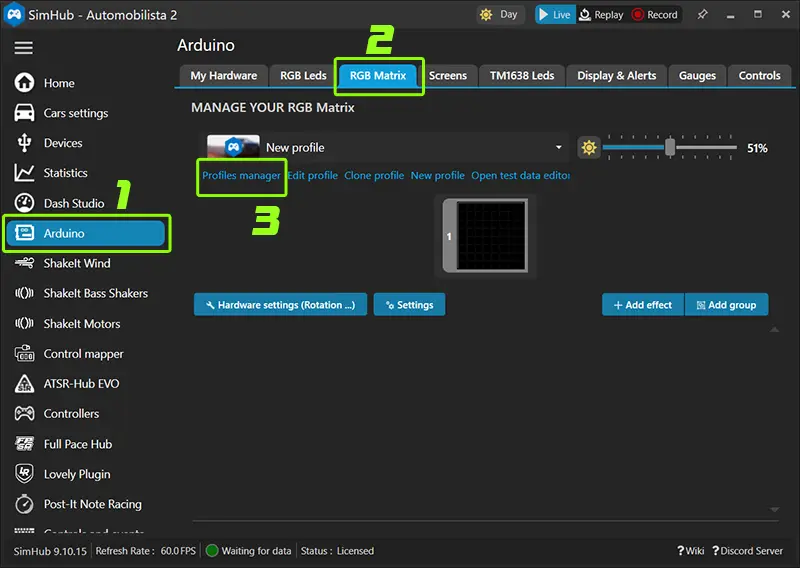
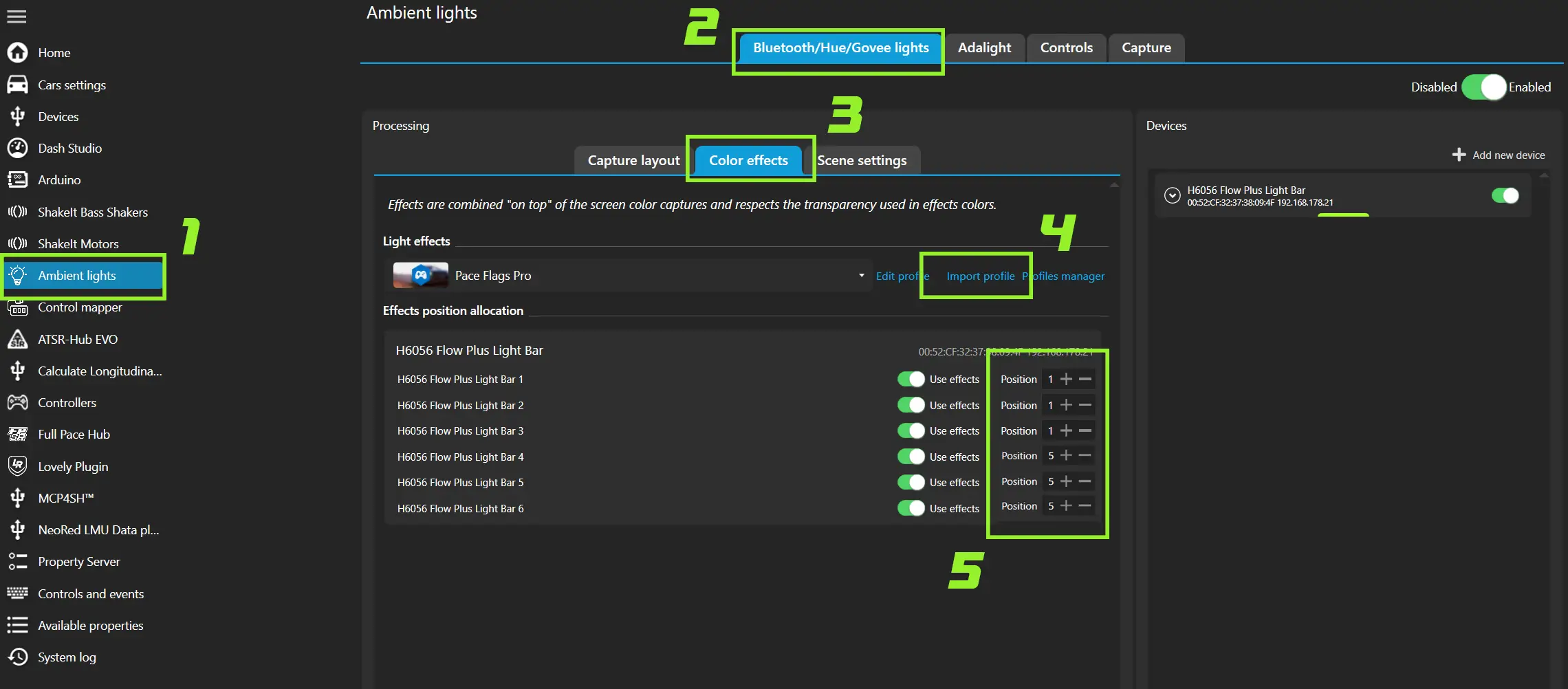
Go to Shake It Bass Shakers in the SimHub main menu.
-
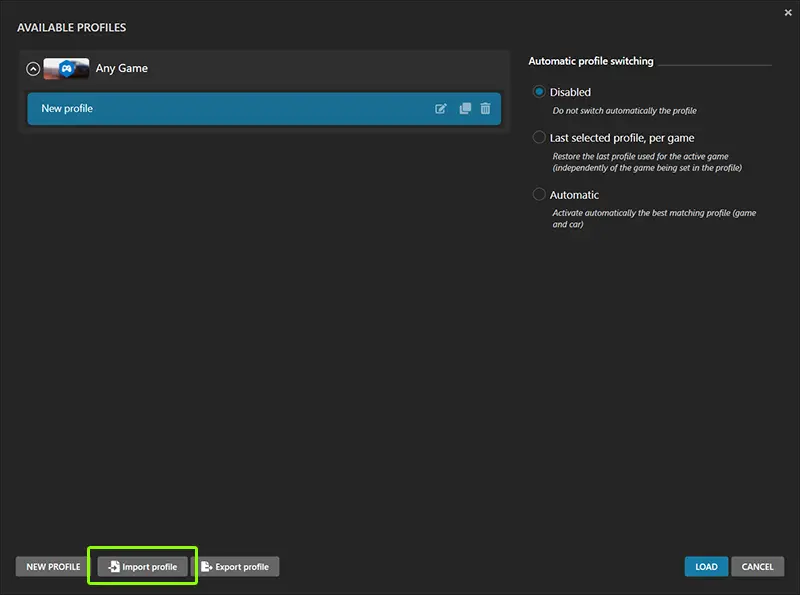
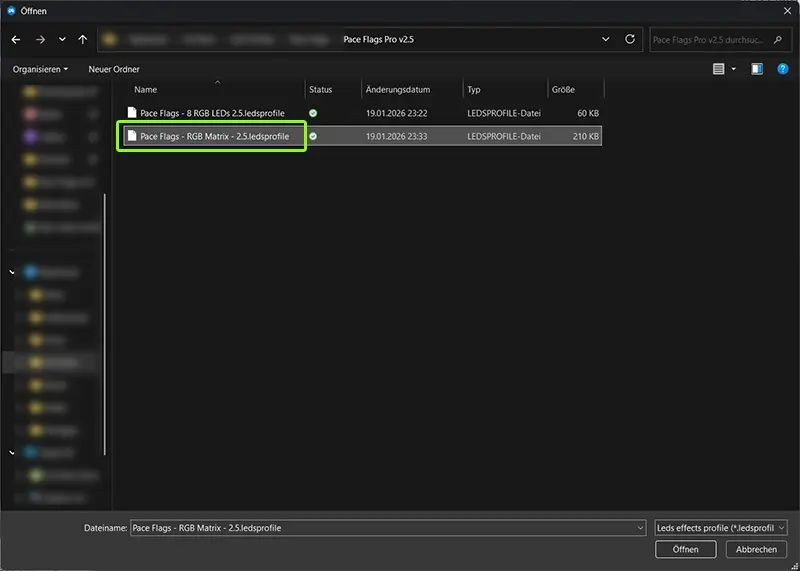
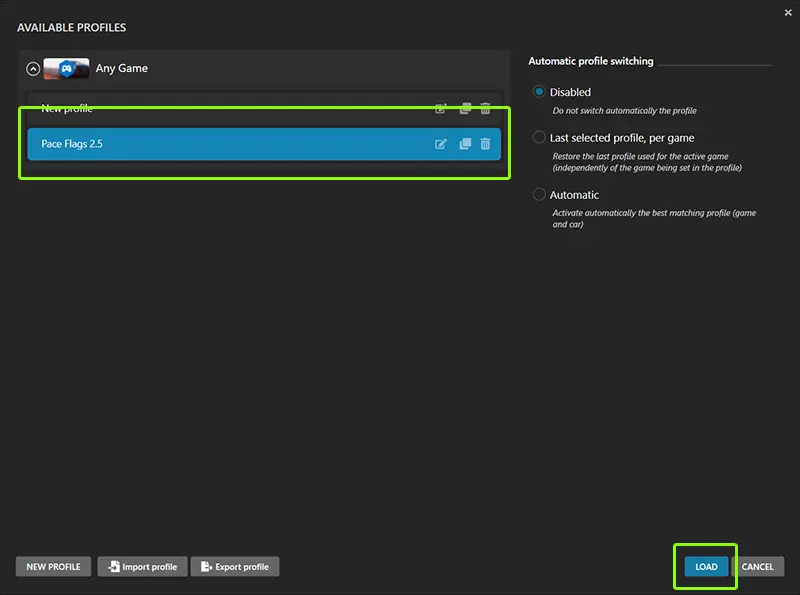
Open the Profiles Manager, Click Import Profile and select the Wheels Lock & Slip profile..
-
If you're already using a bass shaker profile:
- Hover over the effect name in the imported profile
- Click "Copy effect to clipboard"
- Switch to your own bass shaker profile
- Click the blue "Paste Effect" button in the top right corner